01 · Keep the moment
A photo with a little context.
Add a title, description, or date. Your draft stays private until you publish.
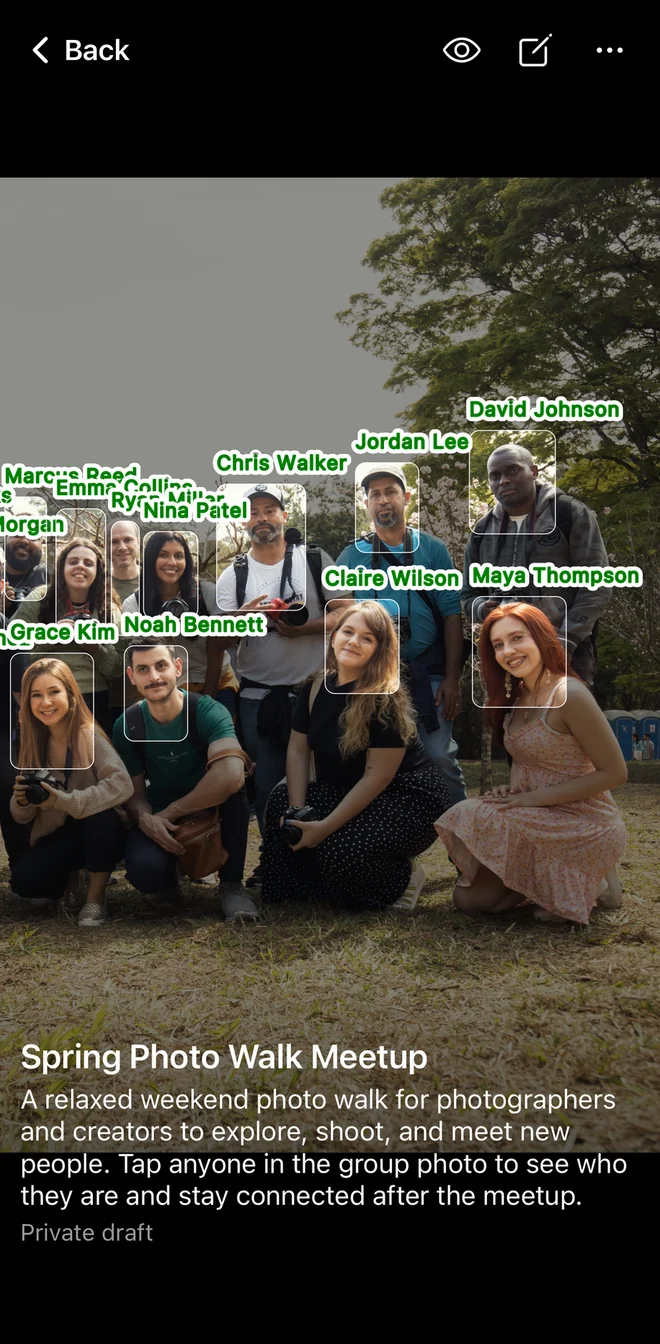

Photolio: Group Photo
Give the faces in your photo a name. Add a little context, then share one interactive photo everyone can open.
No app or account needed. Tap a name to see their details. Sharing & privacy
Coming soon on the App Store · iPhone
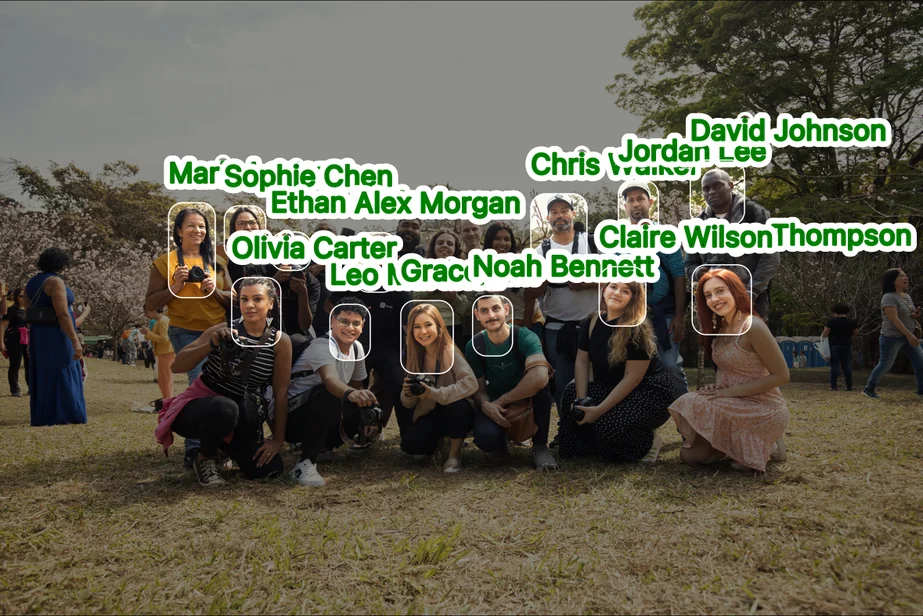

A photo-first workflow
Choose a photo, draw a region, and decide who it belongs to. You do the naming; Group Photo does not identify faces automatically.
01 · Keep the moment
Add a title, description, or date. Your draft stays private until you publish.
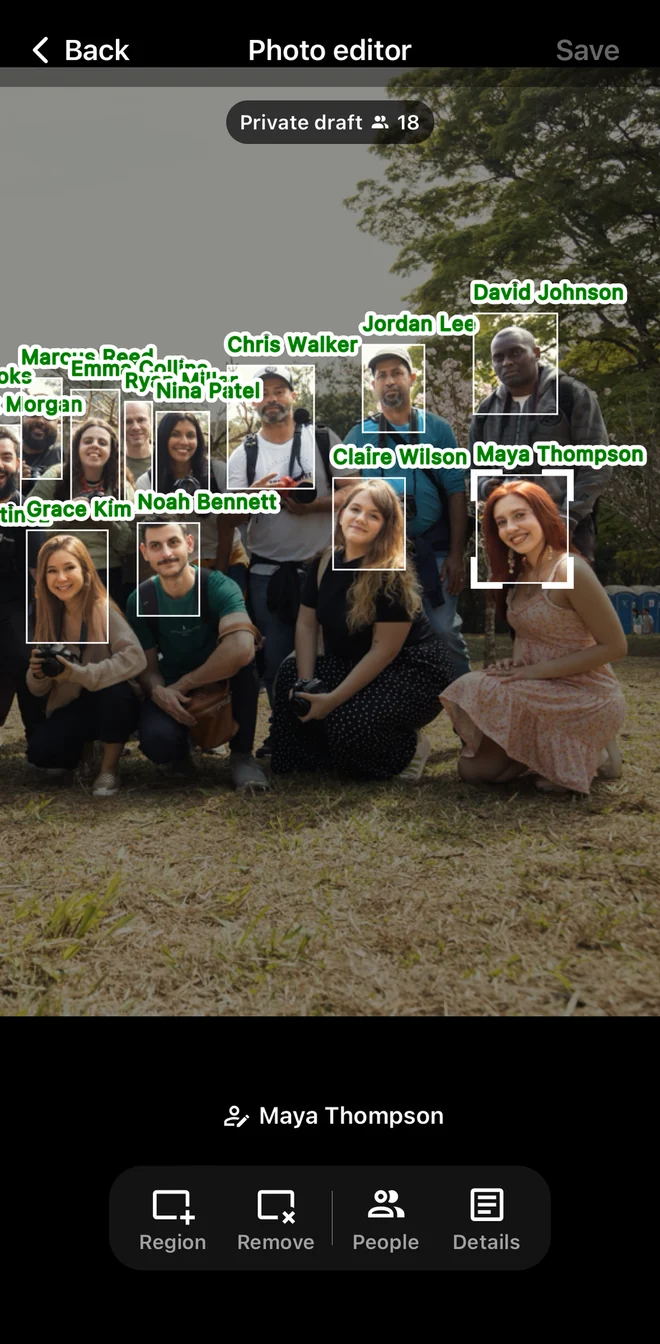
02 · Tag manually
Draw a region and select the person it belongs to. No automatic face recognition.
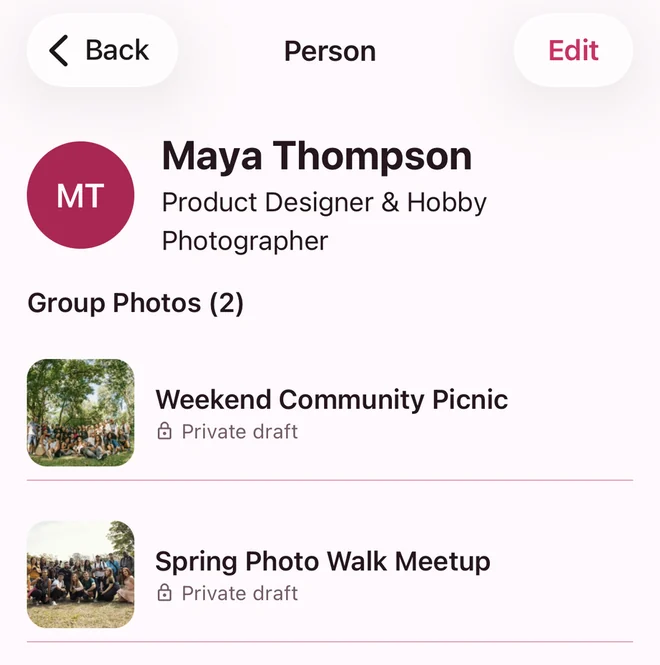
03 · Remember the person
Add a subtitle or link, keep notes only you can see, and revisit their other photos.
Share when you're ready
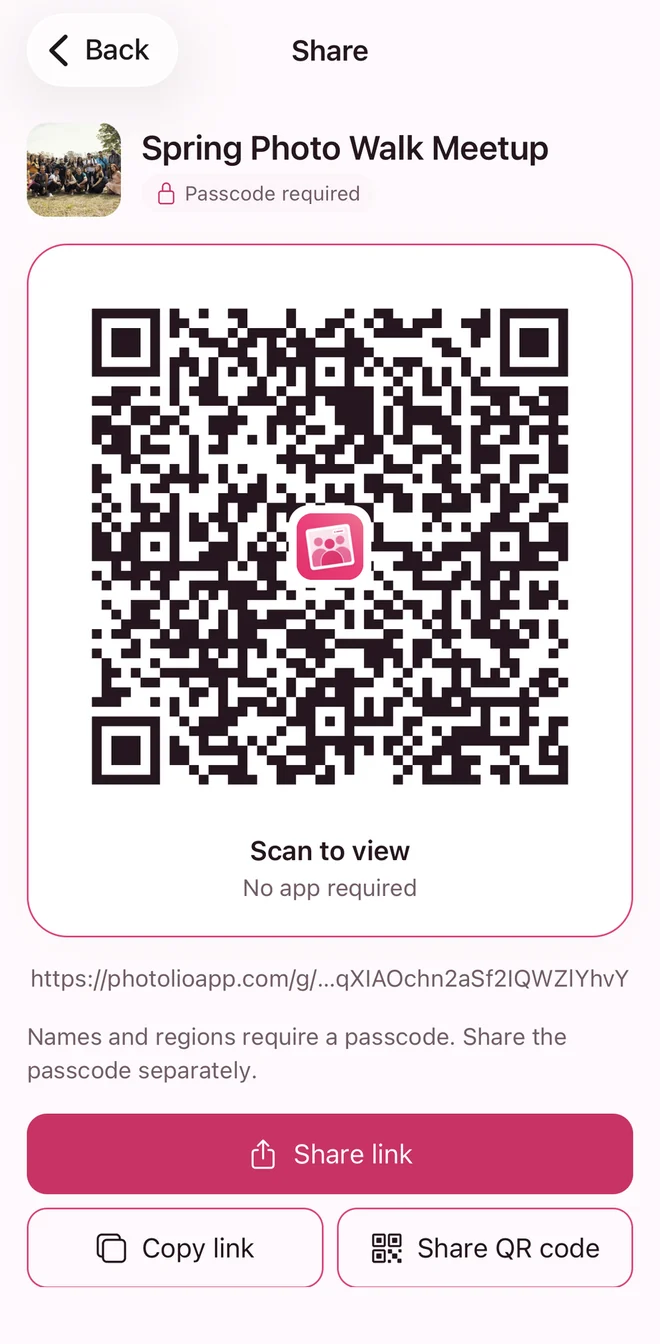
Save your private draft first. Publish as a separate step, then share a link or QR code. Viewers don't need the app or a Photolio account.
Before you share
Group Photo is a separate Photolio app for creating and sharing interactive group photos. Contact Manager also has photo tagging for organizing your contacts, but you don't need Contact Manager to use Group Photo.
No. Save / Done creates or updates your private cloud draft. Publishing is a separate action. A guest's local draft stays on their device until they sign in and choose to save it to their account.
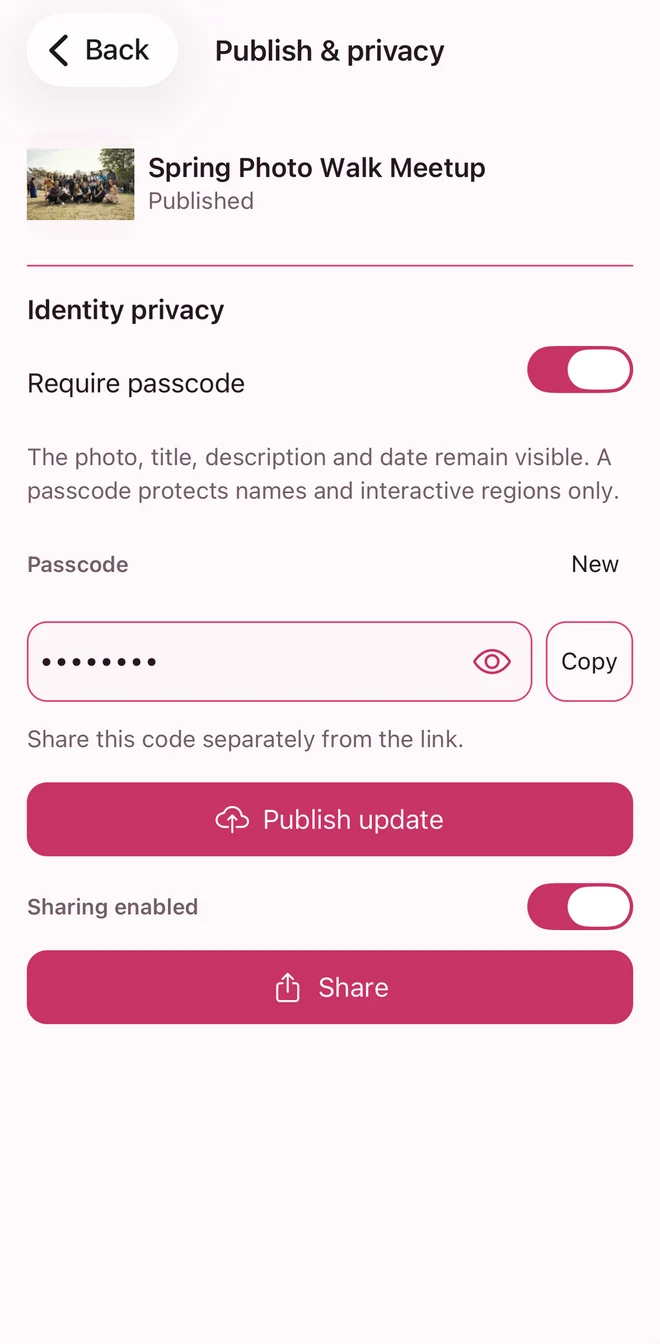
No. A passcode protects names and interactive regions. The photo, title, description, and date remain visible to anyone with an enabled link. Share only content you have the rights and permissions to share.
Yes. Sign in with your Photolio account. Your Group Photo People and photos are not automatically copied into Contact Manager.
Coming soon on the App Store
Group Photo is currently in App Store review for iPhone. Its download link will be available here after release.